What Causes the Wavy 'Jello Effect' in Drone Video—And Why Normal Stabilizers Fail
The wavy 'jello effect' happens when high-frequency motor or propeller vibrations combine with a fast sunny-day shutter speed (1/1000s or faster) on a CMOS rolling-shutter camera. Because the sensor reads horizontal rows sequentially from top to bottom while vibrating, different rows within the same frame bend in opposite directions—requiring scanline row repair rather than standard whole-frame stabilization.
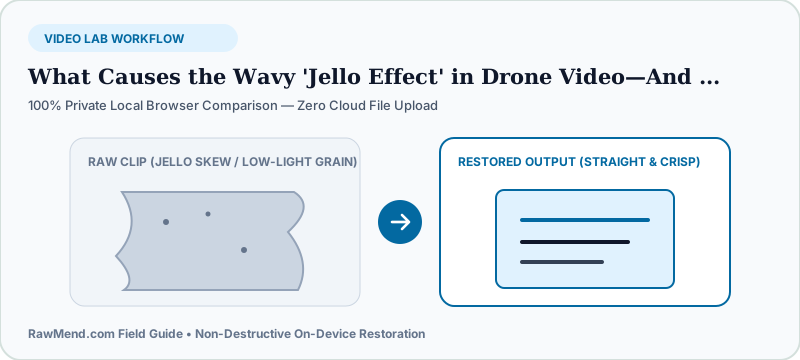
Why Your Drone Shoots Silky Footage at Sunset—Then Turns Wavy at Noon
Pilots often panic thinking their gimbal broke overnight because yesterday's golden-hour flight looked buttery smooth, while today's noon beach flight ripples like underwater heat haze.
Your gimbal didn't change—your shutter speed did! At sunset, auto-exposure slows shutter speed down near 1/60s, naturally blending tiny motor buzz. At bright noon without an ND filter, shutter speed jumps past 1/2500s, freezing every microscopic prop vibration across individual horizontal pixel rows.
Why Standard Video Stabilizers Make Jello Look Even Worse
Run wavy jello footage through basic phone or editor stabilization and the horizon still squirms like rubber. Why? Because ordinary stabilizers slide or rotate the entire video frame as one rigid postcard.
Inside a jello-warped frame, row 120 shifted left while row 380 shifted right! Fixing already-shot footage requires straightening horizontal scanlines relative to each other.
| Visual Symptom | Physical Cause | Pre-Flight Fix | Post-Flight Rescue |
|---|---|---|---|
| Wavy underwater horizontal ripples | Fast shutter + chipped prop / motor buzz | Snap on ND16/32 filter + swap nicked props | ShutterCure Jello Stabilizer (RawMend) |
| Buildings lean diagonally on fast pans | Slow top-to-bottom CMOS readout | Pan slower during wide shots | ShutterCure Pan Skew Corrector |
| Sudden whole-screen tilt in wind | Gimbal hitting mechanical stop | Avoid Sport mode crosswinds | Standard NLE keyframe crop |
How to Repair Wavy Drone or Action Clips in Your Browser
- Trim your highlight clip to the 5–20 second shot where horizon ripples or fast-pan lean are distracting.
- Load the clip into RawMend's Drone Jello & Rolling-Shutter Stabilizer—100% local with zero cloud upload.
- Use the live split viewer to dial Ripple Suppression until rooflines and horizons lock straight, then export watermark-free video.
Frequently Asked Questions
Can pinched rubber gimbal balls cause sudden jello even with an ND filter?
Yes! After a hard landing, check that all rubber gimbal dampeners sit cleanly un-pinched and no grit or grass blade bridges the camera plate to the drone body.
Does this also work on motorcycle handlebar action cameras?
Yes—high-RPM motorcycle and go-kart vibrations create identical CMOS scanline jello.