Why Two USB Microphones Slowly Drift Out of Sync—And How to Lock Them
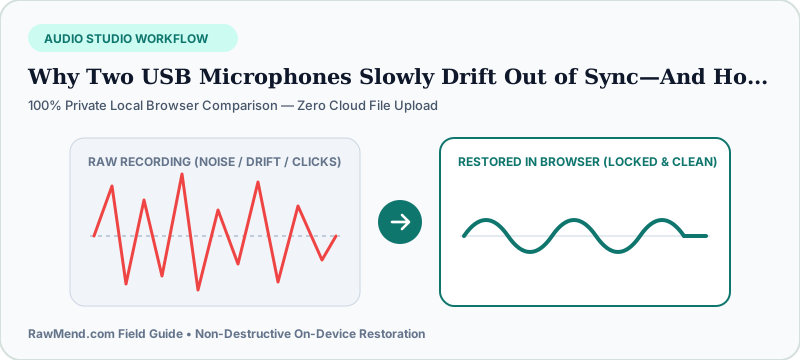
Two separate USB microphones, pocket recorders, or smartphones slowly drift out of sync because each device runs on its own independent internal timing crystal. Even when both are set to 48 kHz, one device records fractionally faster than the other—requiring continuous speed lock across the whole recording rather than a start-point nudge.
The Classic Minute-25 Editing Nightmare
You clap at the start of the show, zoom in on both waveforms in Audacity or Premiere, line up the clap spikes to the millisecond, and smile. Minute 1 sounds rock solid.
Then you scrub forward to minute 25 and hear a bizarre stadium slapback echo! Drag Track 2 left to fix minute 25, and now minute 1 is out of sync. Welcome to hardware clock drift.
Why 'Both Were Set to 48kHz!' Doesn't Prevent Drift
Unless two XLR microphones plug into the exact same multi-input audio interface sharing one master clock chip, two separate USB mics or phones count seconds slightly differently—accumulating 80 to 200 milliseconds of lag over a 45-minute chat.
Smartphone & Webcam Recordings Drift Even Faster
Recording backup audio on two iPhones or mixing a DSLR mic with a separate pocket recorder adds variable-frame-rate timing shifts on top of crystal drift.
Manually slicing a 50-minute interview every two minutes to nudge clips back into place takes all evening. Automated drift measurement locks the entire timeline in one clean pass.
| Hardware Setup | Will Tracks Drift Apart? | Recommended Post Workflow |
|---|---|---|
| 2 XLR Mics -> 1 Shared Audio Interface | No (Shared Master Clock) | Only cross-mic bleed cleanup needed |
| 2 USB Mics on Mac Aggregate / Voicemeeter | Yes (Independent USB Clocks) | Continuous drift lock + bleed removal |
| 2 Smartphones Recording Voice Memos | Yes (Noticeable by minute 15) | Full timeline drift lock & stem export |
| Camera On-Board Mic + Pocket Recorder | Yes (Over long interviews) | Lock pocket recorder speed to camera audio |
How to Lock Drifted Tracks Without Manual Cutting
- Export both uncut speaker tracks from the start to the end of your session.
- Drop Track A and Track B into RawMend's Two-Mic Drift Studio.
- Verify tight sync across both early and late sections in the live player, then export locked WAV stems.
Frequently Asked Questions
Does Mac 'Drift Correction' in Audio MIDI Setup always prevent USB mic drift?
Not reliably—especially if USB hubs hiccup or two identical USB microphone models confuse macOS aggregate naming. Post-session drift locking rescues already-recorded episodes cleanly.
Will drift correction change my co-host's voice pitch?
Never noticeably—hardware drift is tiny (around 0.002% to 0.01%), so vocal pitch stays 100% natural.