How to Stop & Remove Mouth Clicks When Recording Voiceovers
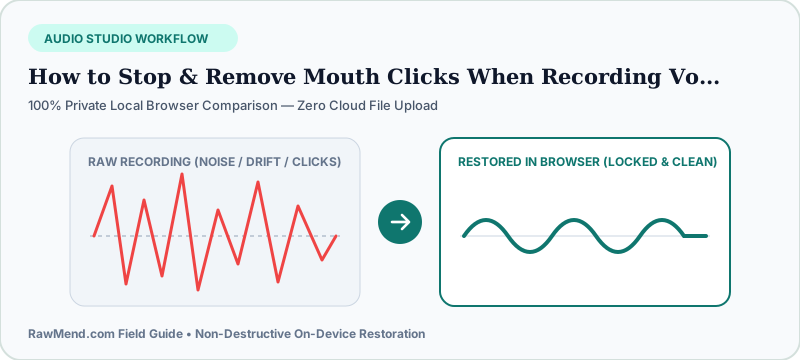
To cut mouth clicks by 70% before recording, hydrate 1–2 hours ahead of your session (sipping water mid-take only helps briefly), avoid dairy and sugary coffee, eat a crisp tart green apple slice, and angle your condenser mic 30 degrees off-axis. Remove any remaining saliva ticks in seconds using a dedicated vocal de-clicker rather than dulling highs with EQ.
Why You Never Hear Mouth Clicks in Conversation—Until You Put On Headphones
In normal life, people stand four feet apart in rooms with ambient sound. In a home voiceover booth, your lips sit six inches from a hyper-sensitive condenser capsule inside a dead-silent closet!
Every time sticky saliva stretches between your tongue and palate as you open your mouth to speak, it snaps like a tiny bubble—producing a sharp high-frequency tick that drives earbud listeners crazy.
The Coffee & Energy Drink Trap
Caffeine, milk lattes, and sugary sodas thicken saliva right before podcast recordings. Hydrating two hours *before* stepping to the mic hydrates vocal tissues far better than chugging water mid-sentence.
Stop Spending Two Hours Drawing Out Clicks by Hand
Many audiobook narrators zoom into Audacity to 500% magnification and redraw spiky mouth ticks one by one with the pencil tool—turning a 20-minute chapter into a three-hour editing slog.
Worse, trying to hide clicks with a treble roll-off filter makes your voice sound like you recorded under a blanket. Surgical click healing repairs only the 2-millisecond tick while leaving crisp vocal air untouched.
| Technique | Stage | Impact on Mouth Noise | Effect on Vocal Brightness |
|---|---|---|---|
| Hydrate 2 Hours Prior + Tart Green Apple | Before Recording | Reduces sticky saliva ~50% | 100% Natural |
| Angle Mic 30° Off-Axis at 7 Inches | During Recording | Reduces direct ticks & P-pops ~30% | Clean & balanced |
| VelvetAudio Mouth Click Healer (RawMend) | After Recording | Erases surviving clicks in seconds | 100% Preserved (Verify via Solo) |
| Heavy Low-Pass EQ Treble Cut | After Recording | Muffles clicks poorly | Ruins vocal clarity |
5-Second Workflow to Clean Any Voiceover Take
- Export your raw narration WAV file before applying heavy compression (compressors make tiny clicks louder!).
- Drop the WAV into RawMend's Mouth Click & Pop Healer.
- Toggle 'Solo Removed Clicks' to verify you hear only isolated ticks and zero vocal words, then download your spotless WAV.
Frequently Asked Questions
Should I remove mouth clicks before or after vocal compression?
Always remove mouth clicks FIRST on your raw recording—vocal compressors and limiters boost quiet saliva clicks up to the volume of spoken words.
Does VelvetAudio also clean dusty vinyl record rips?
Yes—switch to Vinyl Pop mode to remove turntable dust ticks while preserving cymbal shimmer.